Instance Info
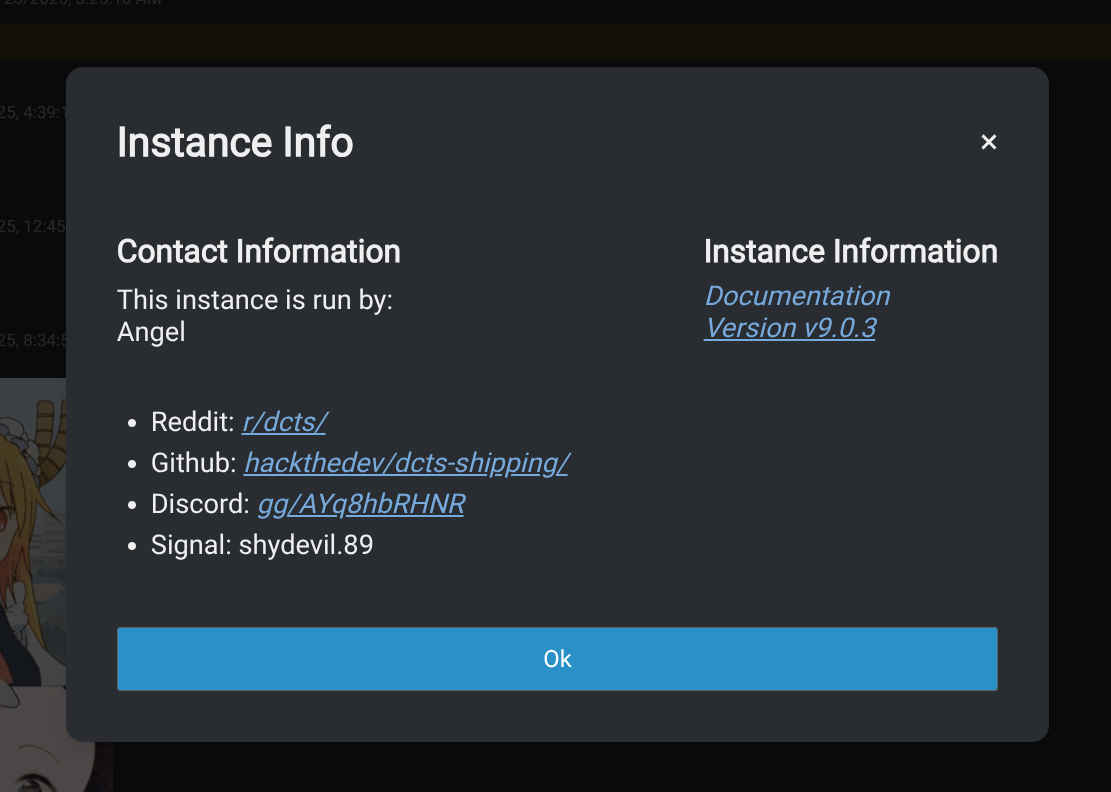
The instance info screen is a small compact popup showing some information about the server and or community in general. As you can see in the screenshot, it will show some general information and has the option to even show some social urls if set, including an email.
It can be found in the top right corner by pressing the question mark.
Importance of socials
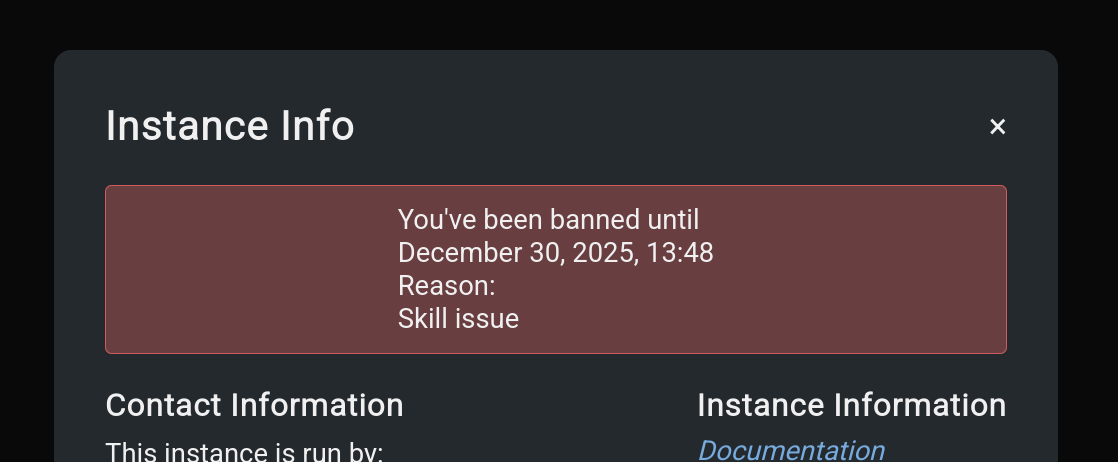
These social links can be used to grow a community outside of your chat instance and give banned members a possibility to appeal their bans or allow members to contact you or your team for any inquiries.
Currently supported social urls are:
- Website
- Subreddit
- Discord Invite
- Github Repo
- Owner name(s)
Setting instance infos
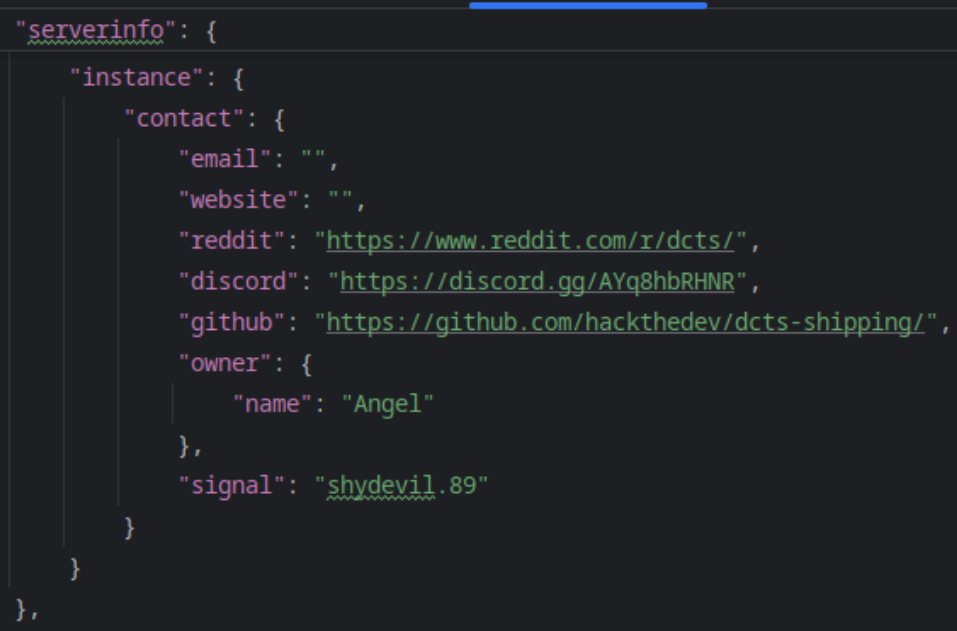
As of the time of writing, instance information can only be set by manually editing the ./configs/config.json file. As seen in the screenshot, you will come across a section called instance where you can edit the properties to your heart's desire.
Before setting any infos, keep in mind that:
- the
redditproperty was designed for subreddits, not accounts or anything else, - the
discordproperty was made for invite urls with.gg/urls githubwas designed for repo urls
By supplying any other kind of url, it may break the instance info popup.
TIP
To hide unused socials, just set their value to "" as seen with the email and website property.
TIP
The name property inside owner also supports HTML